
CA Secure text messages
Updated 21 November 2026 · Questions: info@contactlessaccess.com
Who sends the texts
The texts come from CA Secure, the app by Contactless Access (2390389 Ontario Inc. o/a Protodev Canada, Ontario, Canada). CA Secure opens accessible and secure doors and elevators from a phone. Buildings use it to give people access to their secure doors.
How people opt in
No one is added to a texting list, and no one else can sign a person up. The person opts in themselves, in the CA Secure app, each time they want a code:
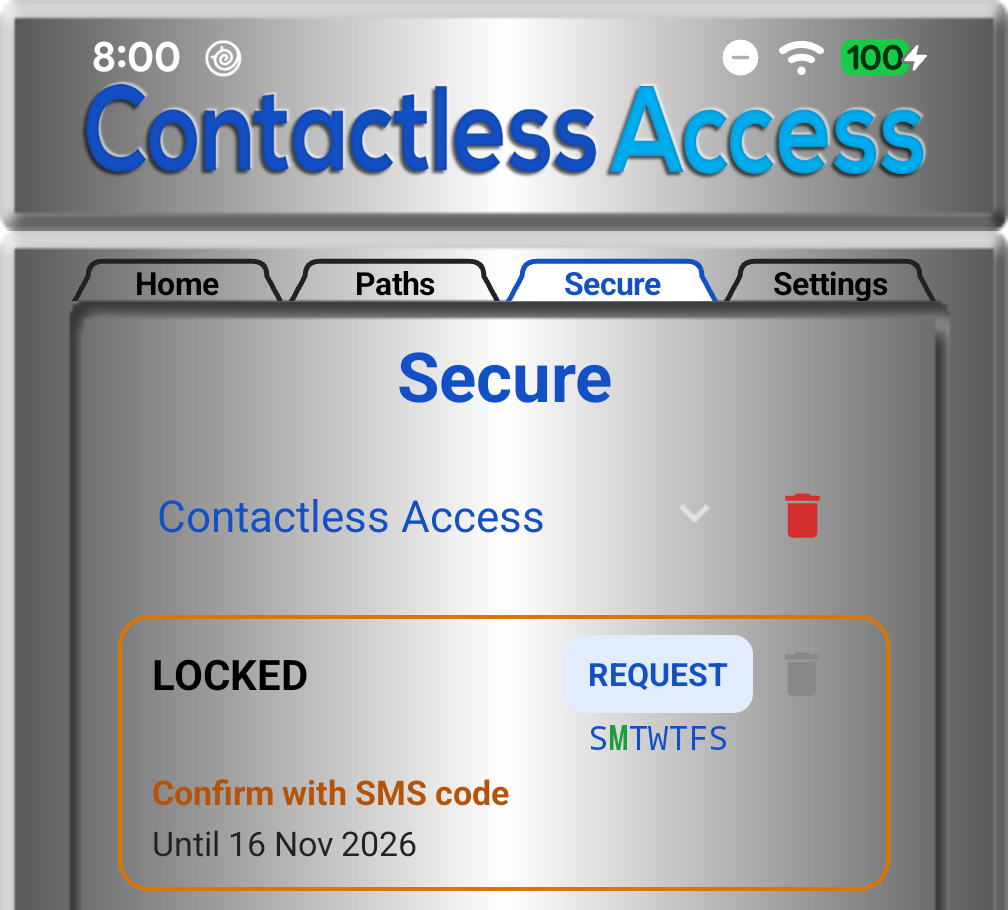
- The person taps REQUEST on their access in the CA Secure app, to get the one-time code that finishes adding it.
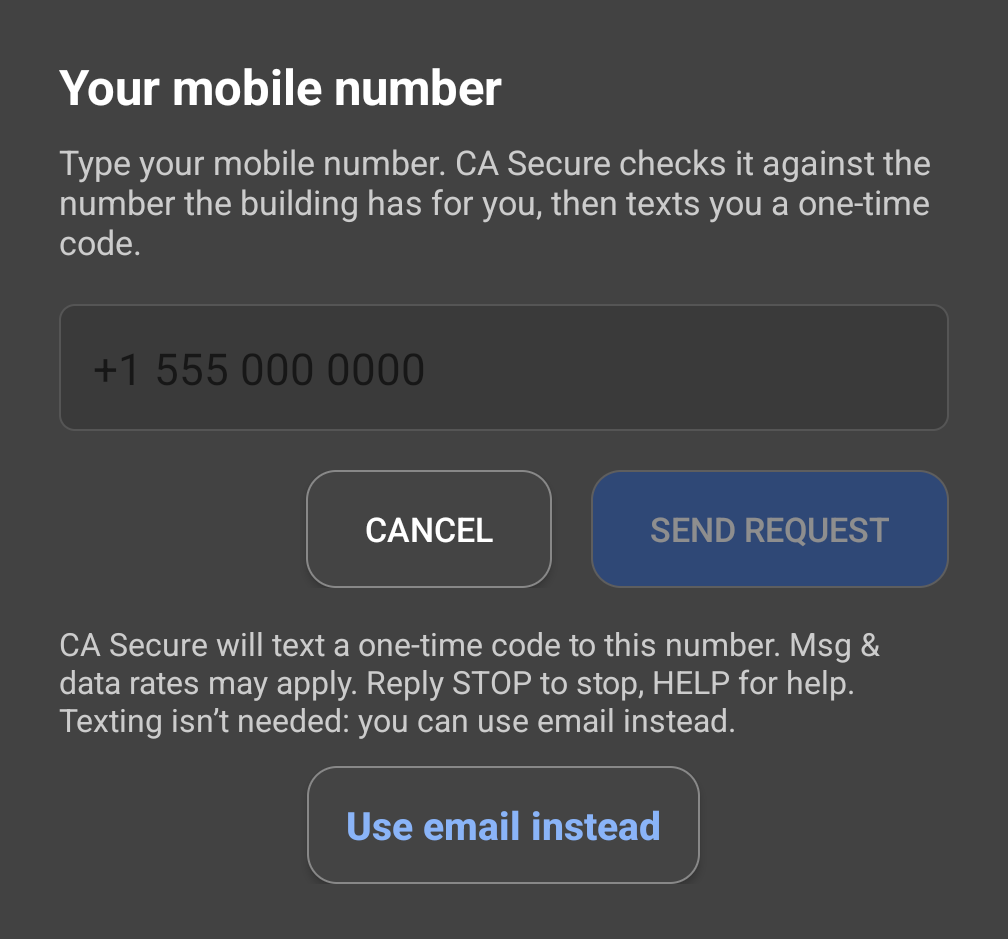
- They type their own mobile number on the app's Your mobile number screen. The box starts empty or with the number they saved in the app's own settings, and Send request stays greyed out until they type one.
- Right under the button, the app says: “CA Secure will text a one-time code to this number. Msg & data rates may apply. Reply STOP to stop, HELP for help. Texting isn’t needed: you can use email instead.”
- They tap Send request, and only then is one code texted, to the number they typed (and only if it is the number the building has for them). Or they tap Use email instead, and the code goes by email to the address their access was sent to, with no text at all.
What we text
One-time access codes only: a 6-digit code the person enters in the app to finish adding their access. Never marketing, never advertising, and never a door PIN. This is the text, word for word:
How often
About 1 to 2 messages per access: one code each time the person taps Send request, usually once, sometimes a second time if they ask again. Nothing is sent unless they ask.
Costs
CA Secure's texts are free. Msg & data rates may apply from your mobile carrier.
Stopping texts, and help
- Reply STOP to any CA Secure text to opt out. You'll get one message confirming it, and no more texts from us. To get codes by text again, reply START (or YES, or UNSTOP).
- Reply HELP for help, or email info@contactlessaccess.com.
- Without texts, you can still get your code: tap Use email instead in the app, or ask the building.
Your phone number
The number you type is used only to check it against the number the building has for you and to text you the code you asked for. Mobile numbers and text opt-in data are never sold, rented or shared with third parties or affiliates for marketing, and never with other companies except our text-message provider, which sends the texts for us. Numbers are stored encrypted and removed when the access ends. More in our privacy policy.